ZSend is an email sending gateway deployed on Cloudflare Workers. It provides a Web admin panel, multiple SMTP account management, and a unified HTTP email sending API.
- Supports deployment on Cloudflare Workers
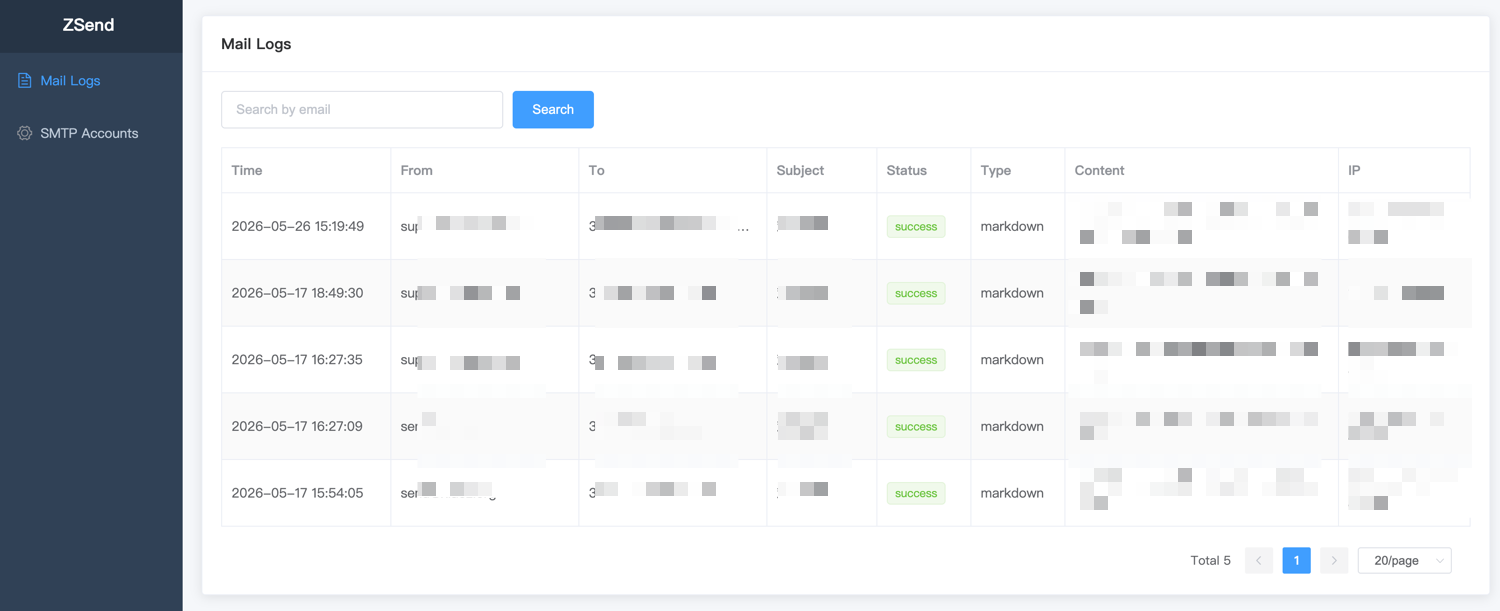
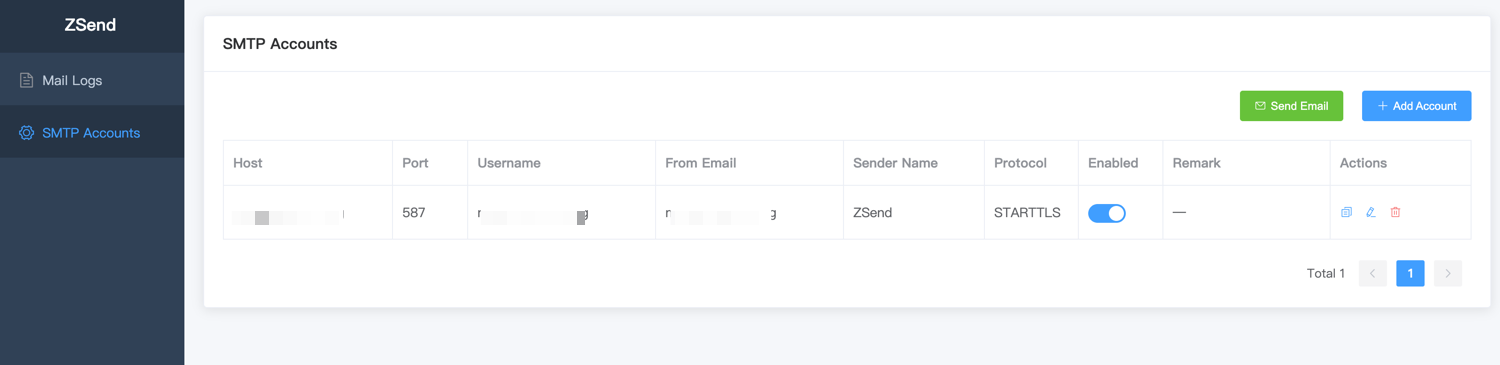
- Visual management: manage SMTP accounts and view email sending logs through the Web UI
- Supports configuring multiple SMTP accounts
- Provides a unified HTTP API for sending emails
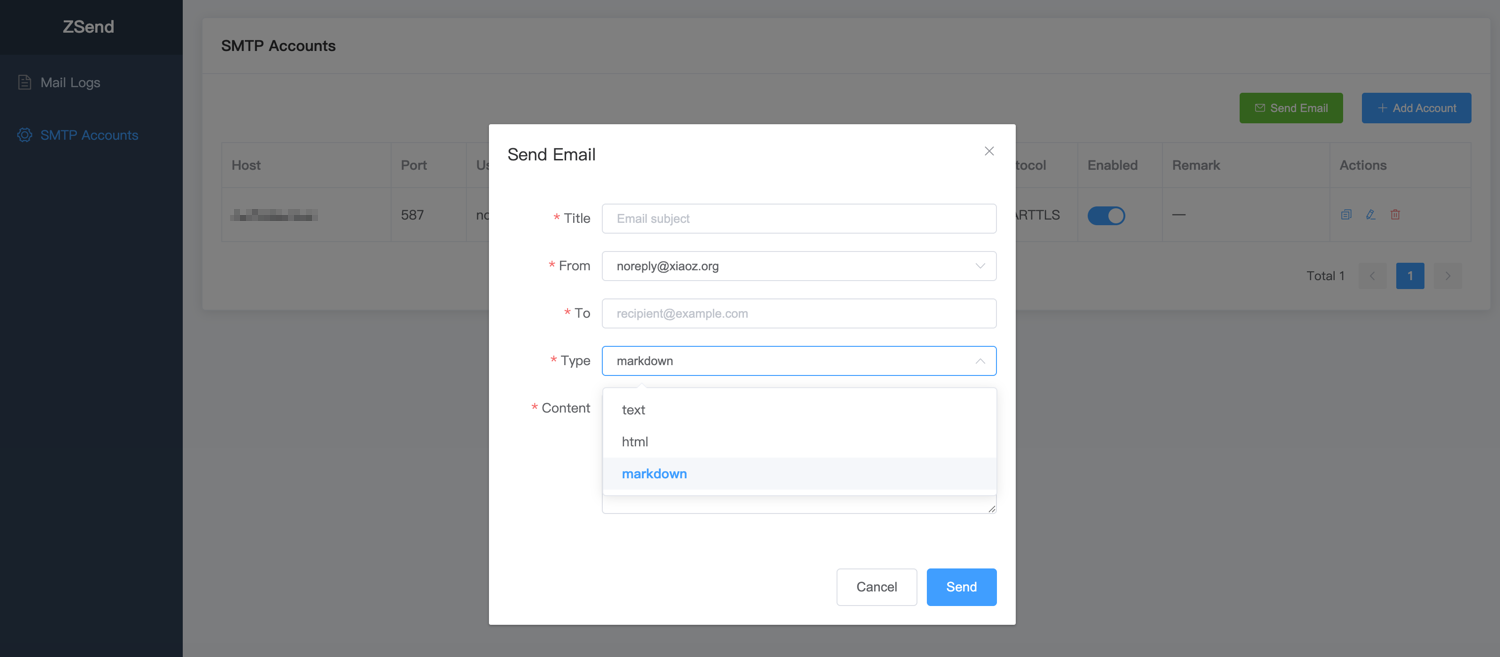
- Supports
text,html, andmarkdowncontent - Automatic retry: retries once when SMTP sending fails
- Sending logs: records a log for every email sending request
- Authenticated access: the send endpoint is protected with Bearer Token authentication
- Install Wrangler CLI
- Log in to your Cloudflare account
- Install Bun
wrangler loginFork this project to your GitHub account, then clone it locally:
git clone https://github.com/your-username/zsend.git
cd zsendwrangler d1 create zsendAfter creation, you will see output similar to:
✅ Successfully created DB 'zsend'
[[d1_databases]]
binding = "DB"
database_name = "zsend"
database_id = "xxxxxxxx-xxxx-xxxx-xxxx-xxxxxxxxxxxx"
Copy the generated database_id into the database_id field in wrangler.jsonc.
wrangler secret put TOKEN
# Enter any string. Later API calls must use this string as the Bearer Token.bun install
wrangler deployAfter deployment succeeds, the access URL will be displayed, for example: https://zsend.your-subdomain.workers.dev
After deployment, visit https://zsend.your-subdomain.workers.dev to view sending logs and configure SMTP accounts through the Web UI.
curl -X POST "https://zsend.your-subdomain.workers.dev/api/v1/send" \
  -H "Authorization: Bearer your-token" \
  -H "Content-Type: application/json" \
  -d '{
    "from": "no-reply@example.com",
    "to": "user@example.com",
    "title": "Welcome",
    "content": "# Hello\nThis is an email sent by ZSend.",
    "type": "markdown",
    "sender_name": "ZSend Notifications"
}'POST /api/v1/send
Authorization: Bearer <TOKEN>
Content-Type: application/jsonRequest body example:
{
  "from": "no-reply@example.com",
  "to": "user@example.com",
  "title": "Welcome",
  "content": "# Hello\nThis is an email sent by ZSend.",
  "type": "markdown",
  "sender_name": "ZSend Notifications"
}
Field reference:
from: required, sender email addressto: required, recipient email address; can be a string or an array, for example:["user1@example.com", "user2@example.com"]title: required, email subjectcontent: required, email bodytype: optional, onlytext,html, andmarkdownare supported; default istextsender_name: optional, display name for the sender in this request; overrides the default value in the configuration
curl example:
curl -X POST "http://127.0.0.1:8000/api/v1/send" \
  -H "Authorization: Bearer your-token" \
  -H "Content-Type: application/json" \
  -d '{
    "from": "no-reply@example.com",
    "to": "user@example.com",
    "title": "Welcome",
    "content": "# Hello\nThis is an email sent by ZSend.",
    "type": "markdown",
    "sender_name": "ZSend Notifications"
  }'